
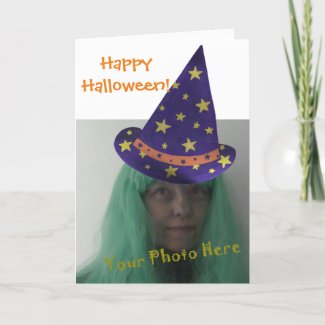
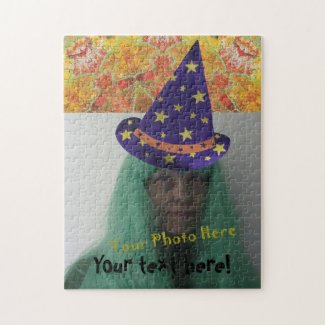
With this wizard hat design, you can add a photo under the hat for some creative Halloween fun. All you need to do is replace my head image with a photo of your own. If it doesn't line up with your first try, just click on customize; then you can move the photo around and also adjust its size.
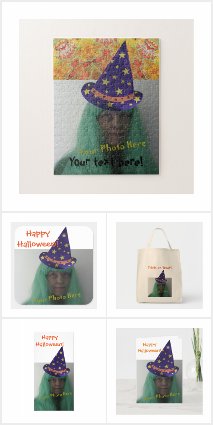
Here is the greeting card, which can also be purchased and downloaded or sent to you.
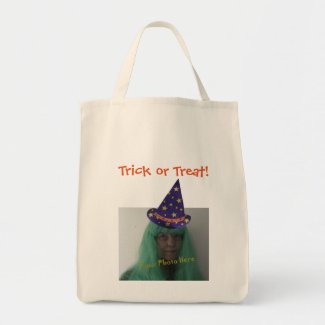
You can also choose from Trick or Treat bags made of canvas. This is a fun idea for personalized trick or treat bags for the kids; and they're also sturdy. The tote bag showing is the grocery tote. It is sturdier than the budget tote. There are five different tote bag styles to choose from, and some also come in a choice of color.
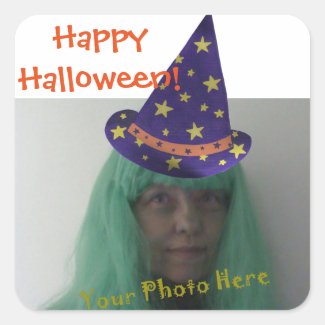
These fun stickers can be added to gifts, cards, etc. Unused stickers can also be included in the card! There is a choice of sticker shapes to choose from; however, this design is currently configured for the square shape sticker. You will need to do some customizing if you choose a different sticker shape.
Extra enjoyment can be had working this fun puzzle with a family member's and or friend's photo. The puzzles come in a variety of sizes. The 11" x 14" and 16" x 20" come in a choice of regular sized pieces or oversized pieces. Each puzzle comes in a cardboard carry case, with the picture printed on the lid.
Check out these choices and more on the following link. It will take you to my CherylsArt store on Zazzle and show you all of the current available wizard hat products:
Happy Halloween!
Cheryl Paton


No comments:
Post a Comment